


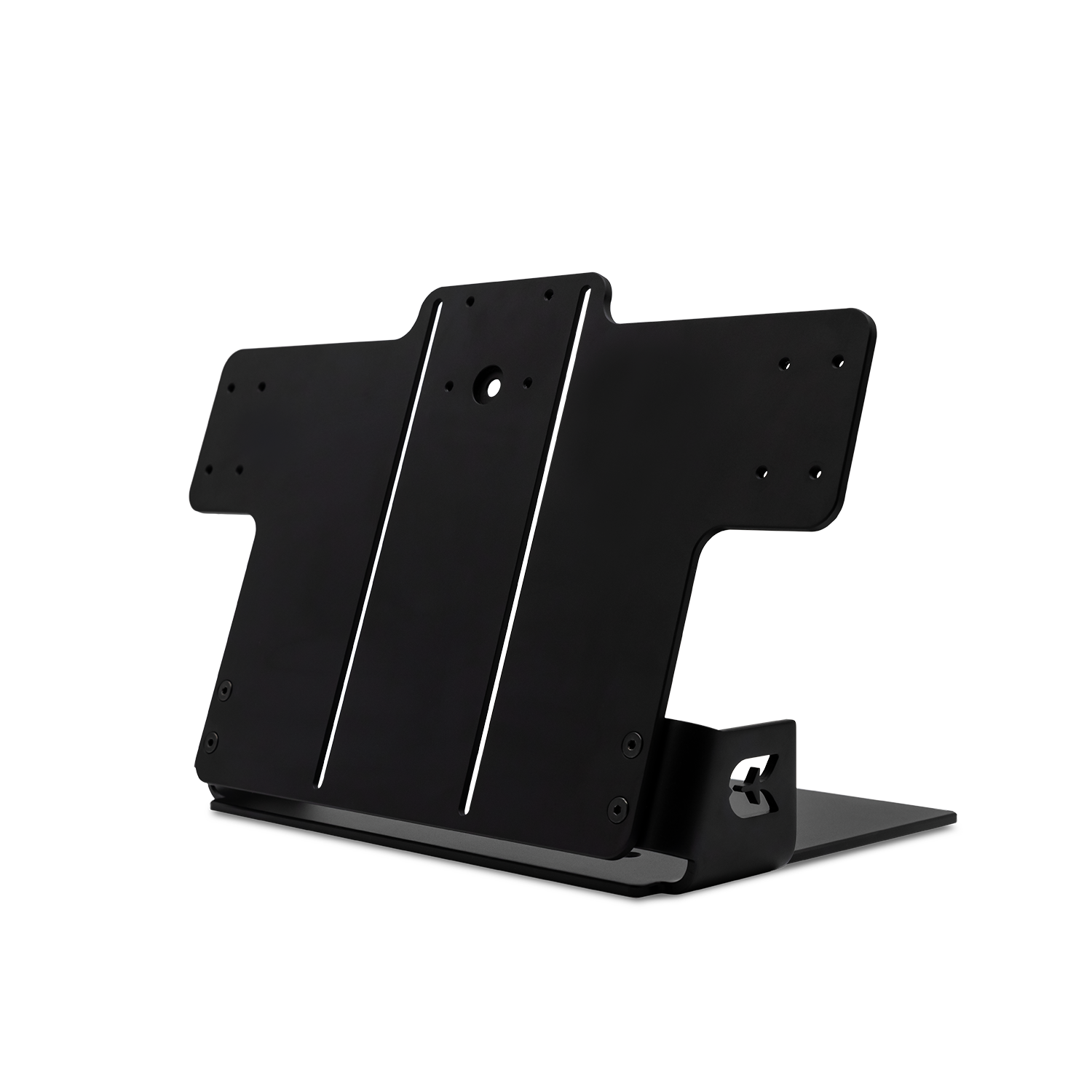

Tabletop Touch Bracket
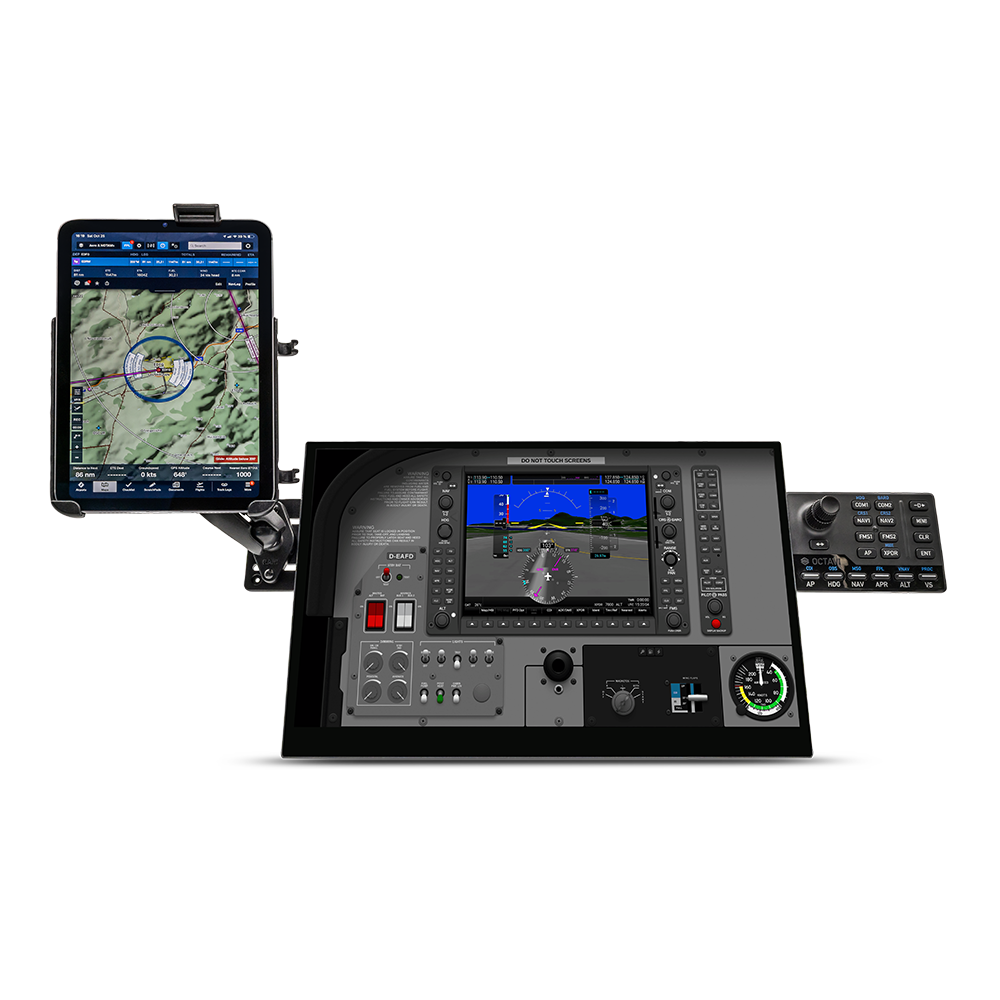
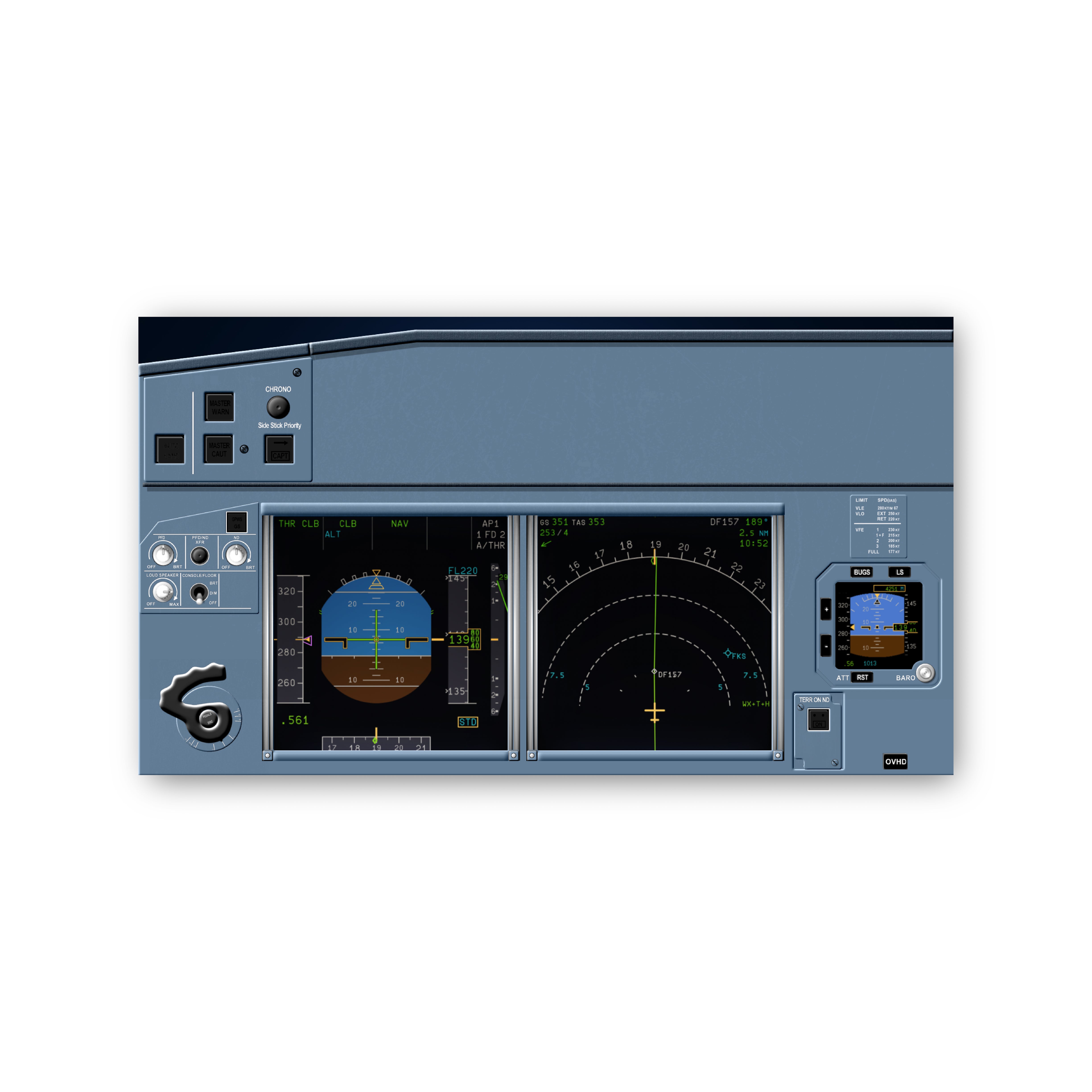
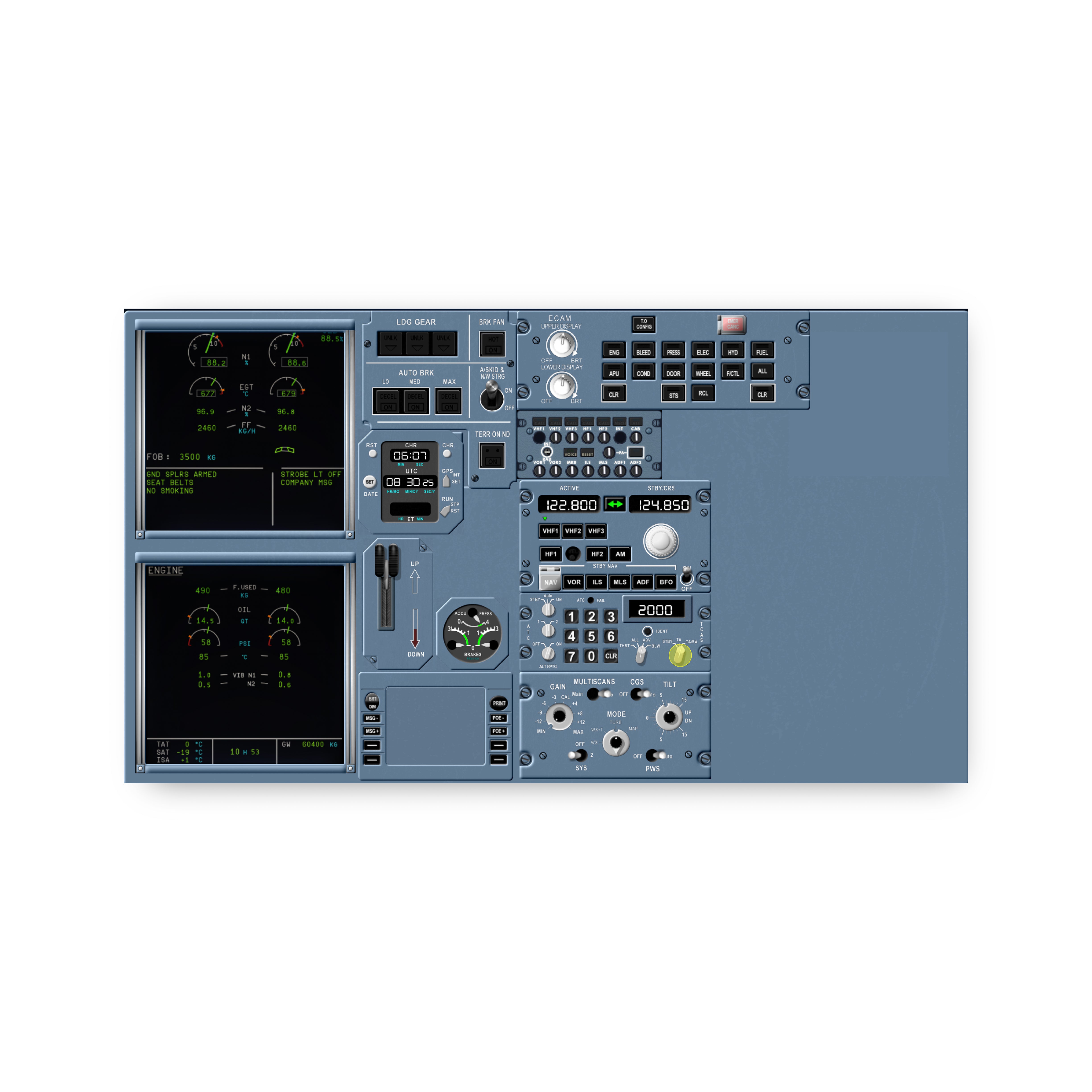
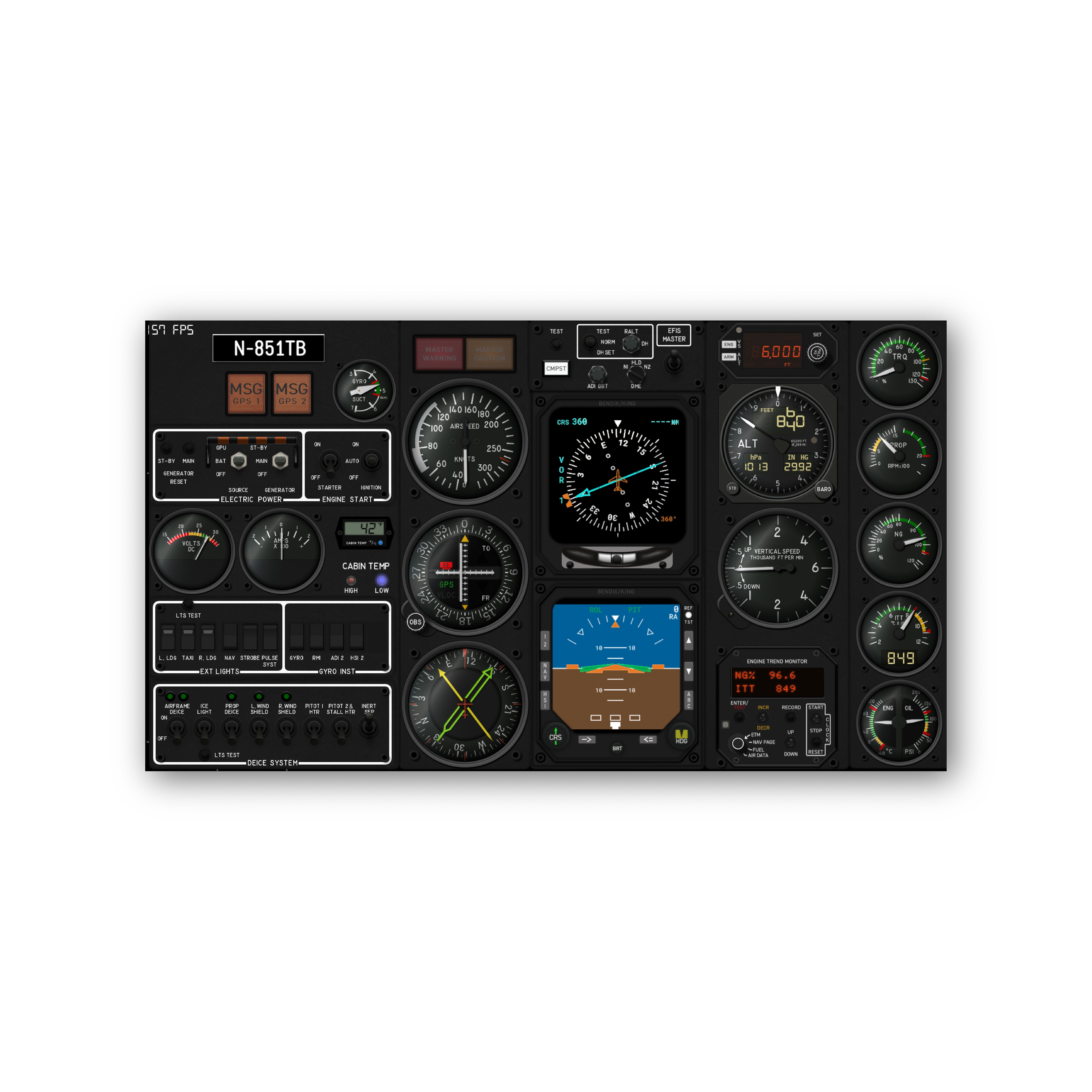
Turn a touchscreen into your flight sim instrument panel. Steam-gauge six-pack, Garmin G1000, GNS530 or an Airbus PFD, right where your hands expect it.
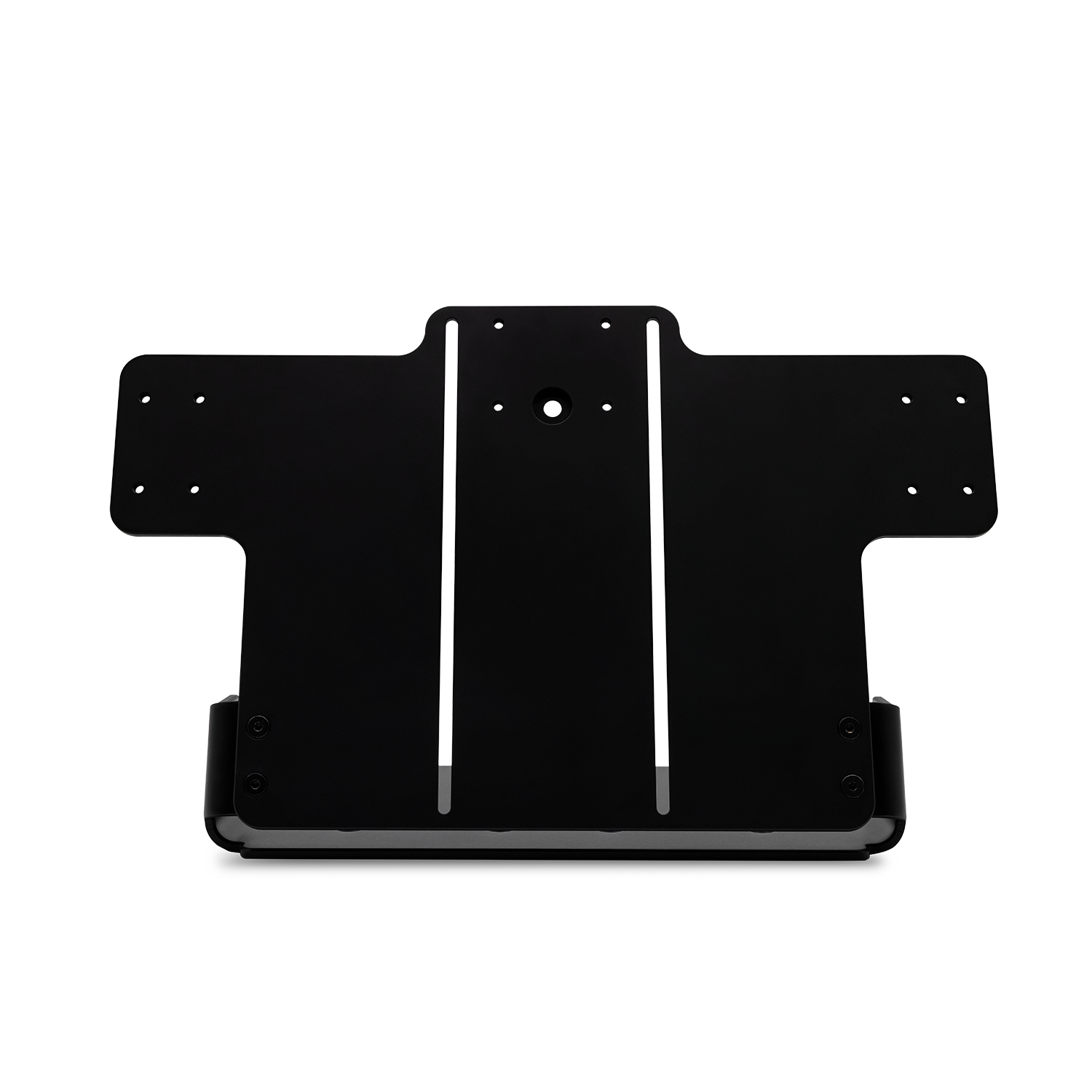
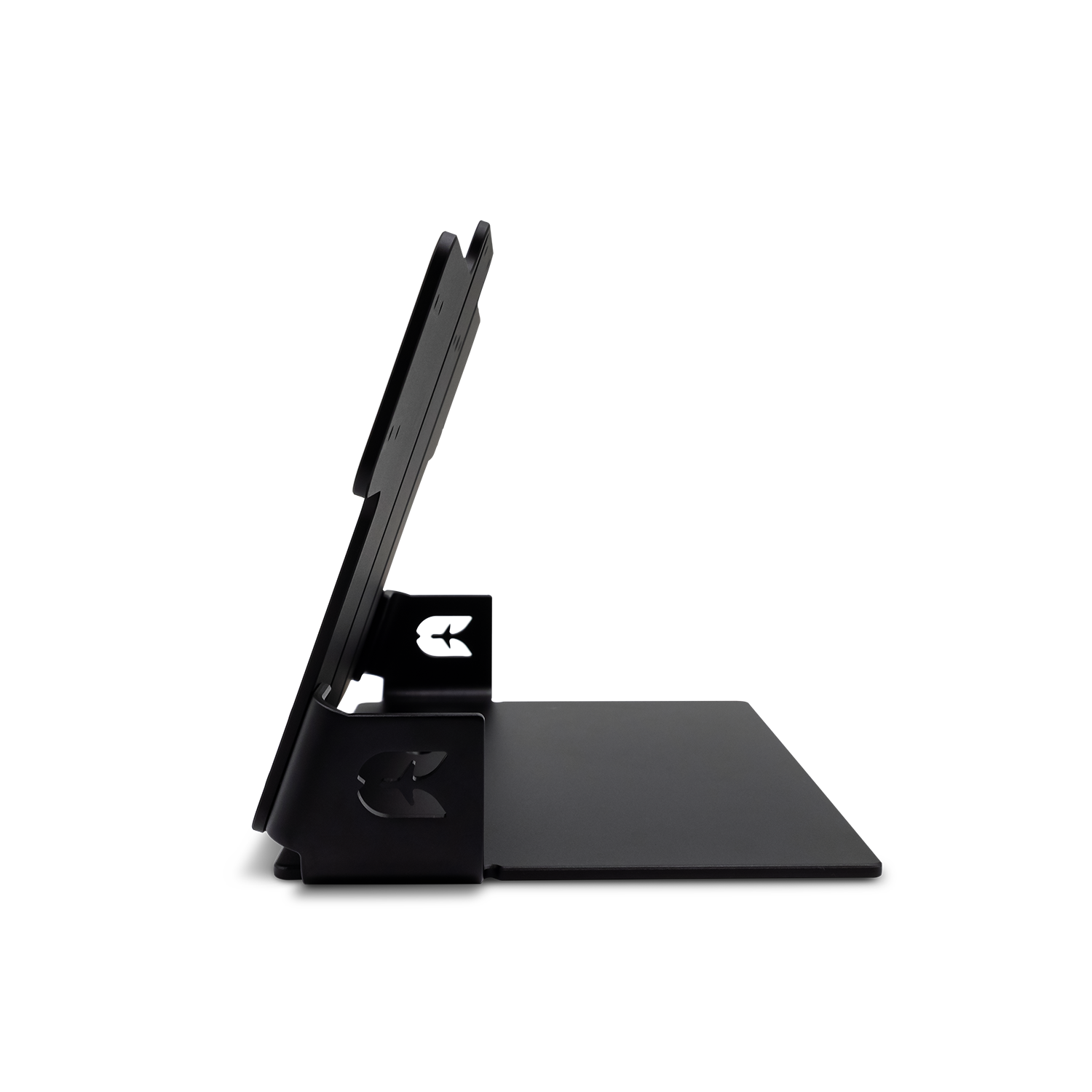
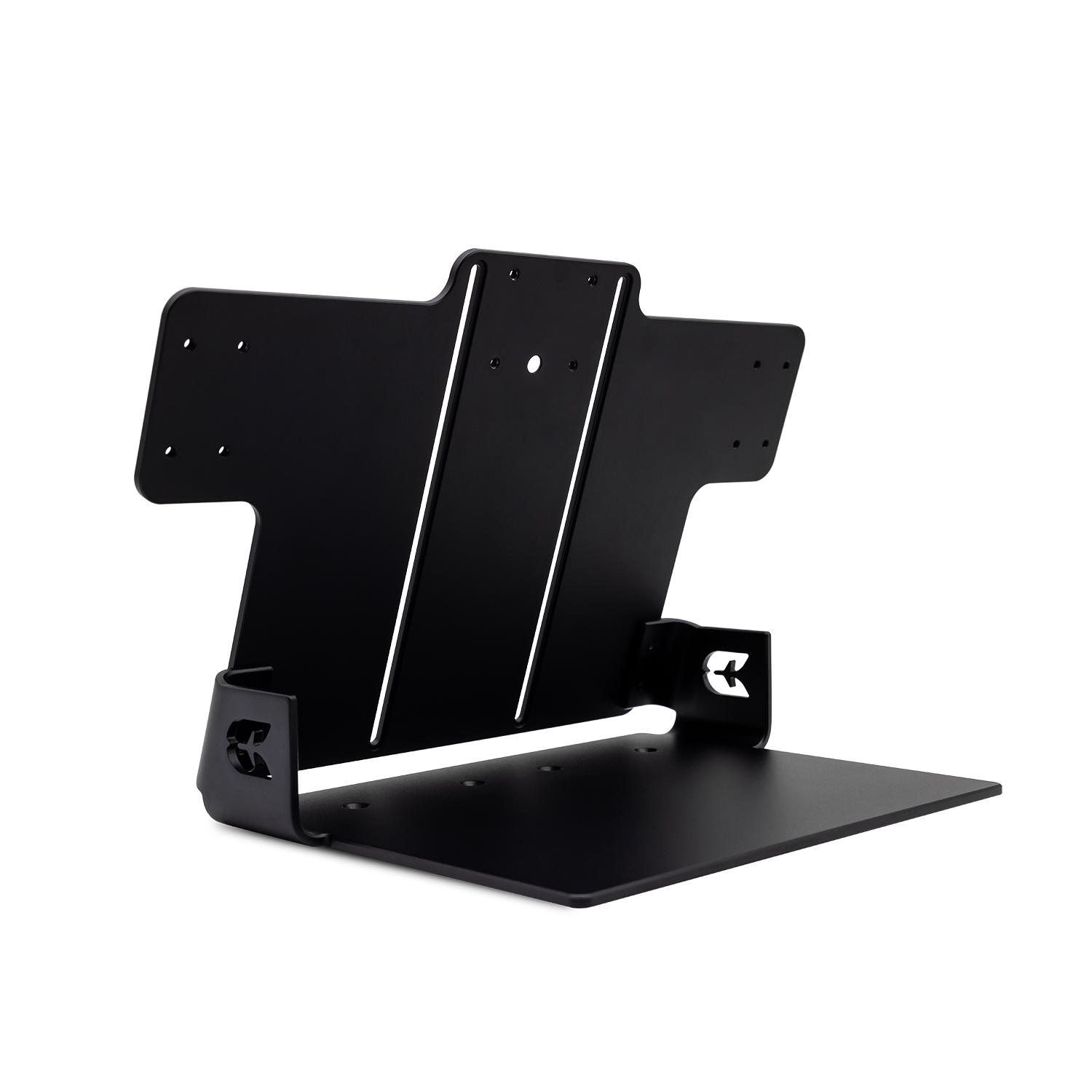
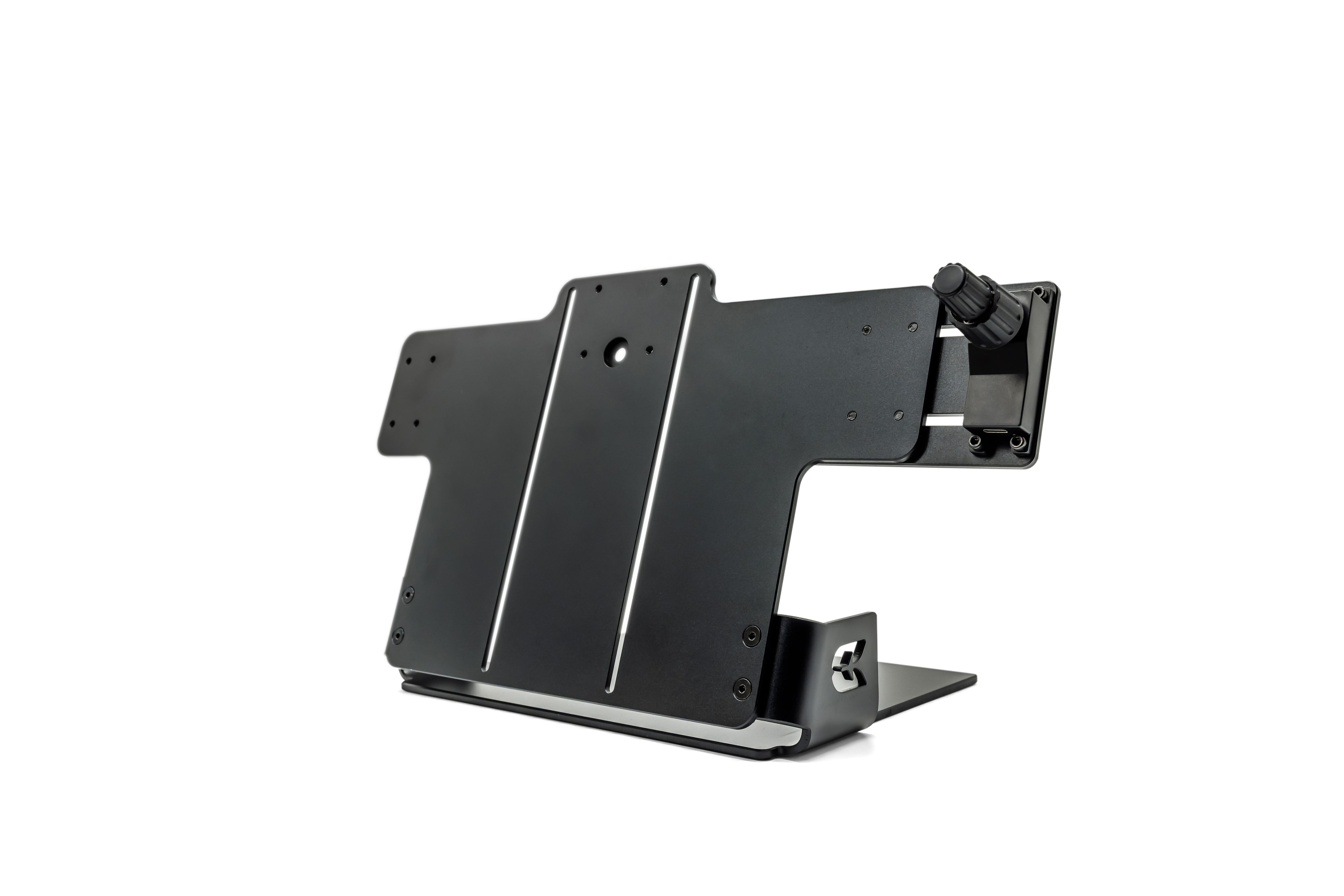
The Tabletop Touch Bracket is a freestanding stand in CNC-machined aluminium. It holds your touchscreen at a cockpit angle on your desk. No clamp, no yoke, no drilling.
What do I need? A touchscreen and a way to put your instruments on it: panel software such as SimInnovations Air Manager, or your simulator's pop-out panels. The bracket holds the screen, the software draws the instruments.
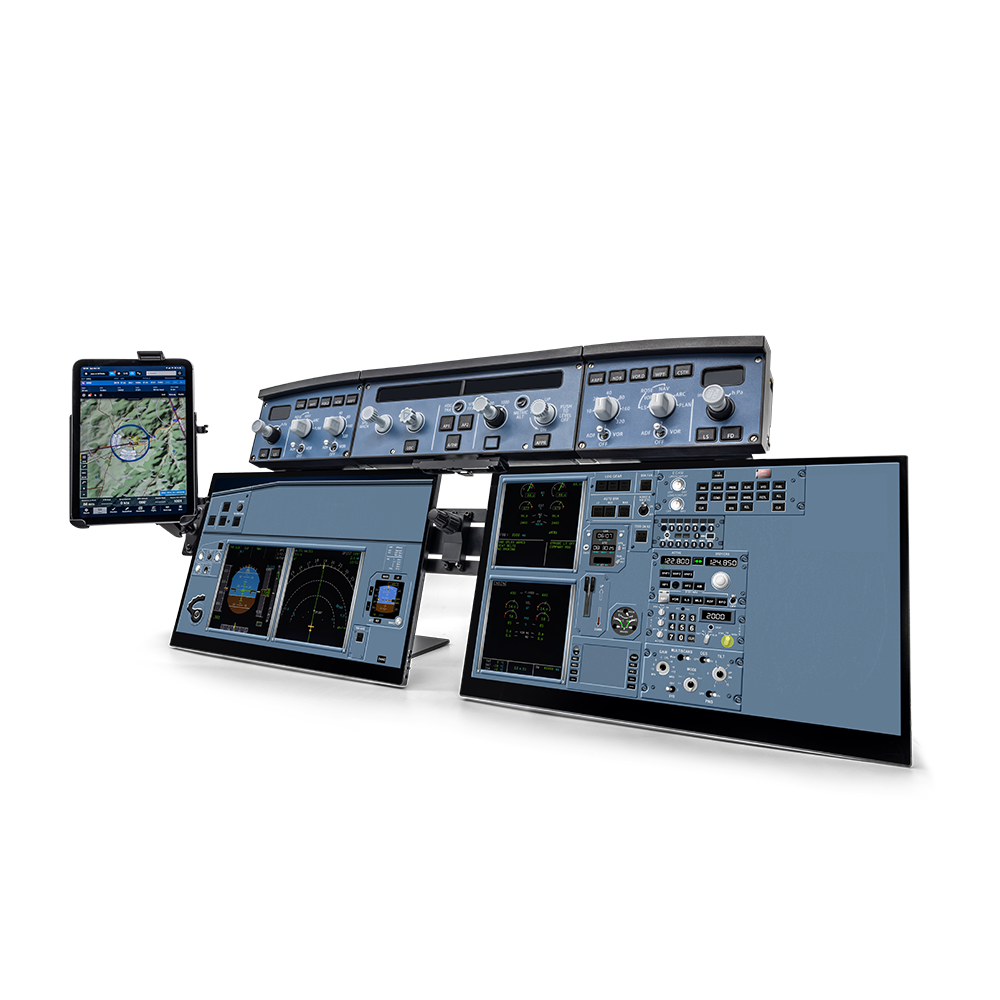
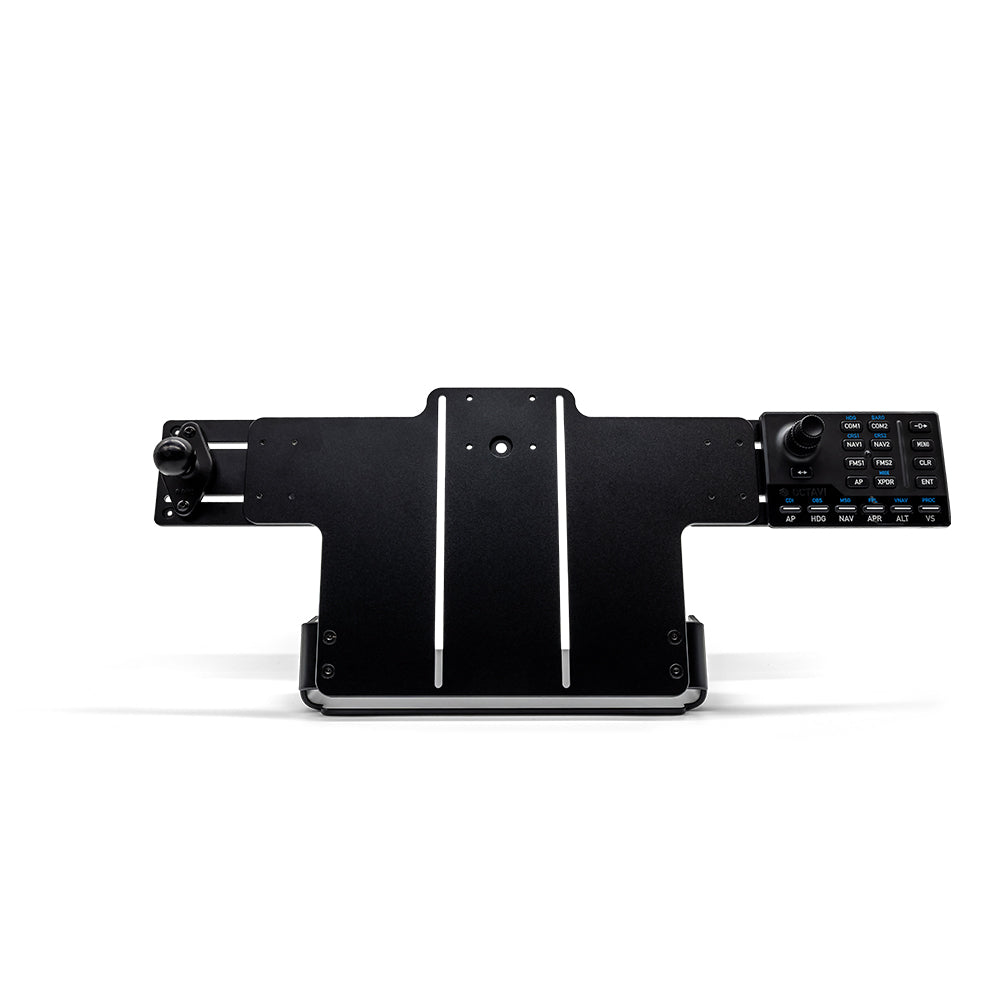
What can I add? Add-On Plates (sold separately) for an Octavi IFR-1, a SimInnovations Knobster or a RAM® tablet mount, a top plate for the WinCtrl (WinWing) A320 FCU or 737 MCP, and a Tobii Eye Tracker 5 on top of the screen. Two brackets join into a dual-screen flight deck.
Minimal footprint. Maximum control.
Peripherals and add-on plates not included.
The perfect wingman
If you have any questions, you are always welcome to contact us. We'll get back to you as soon as possible – we promise.
-
Shipping Information
Articles in stock will be shipped by our warehouse on the same or next business day.
-
FAQ’s
Common questions? Check out our FAQs.
-
Contact Us
Further questions? Feel free to reach out to us via eMail.

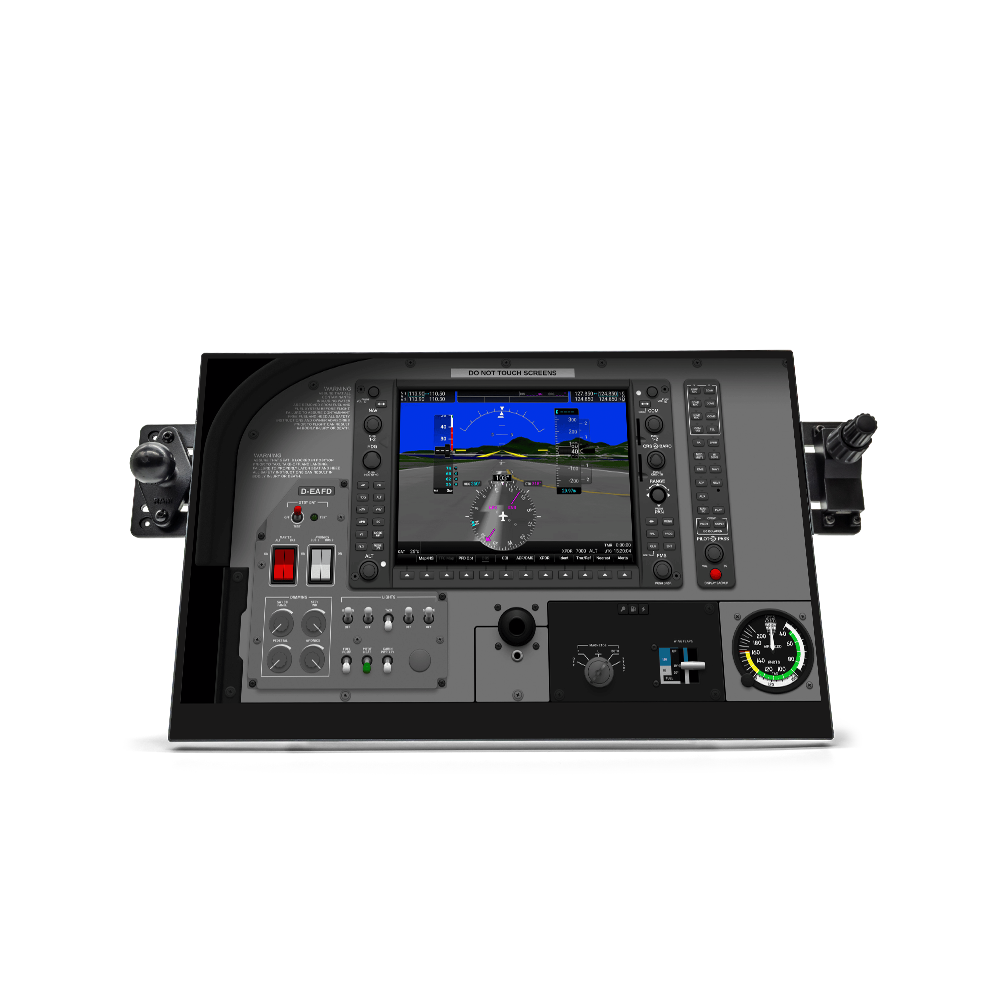
Clean desk. Purpose‑built Cockpit.
From desktop to flight deck
With the Touch Bracket, your desktop transforms into a flight deck. No clamps or yokes required – the bracket stands ready on its own, holding your instruments at the perfect angle. Its minimalist footprint clears space for charts and checklists, while the machined‑aluminium chassis delivers the reassuring feel of an aircraft‑grade component. The design balances form and function, letting your hardware blend seamlessly into your cockpit environment. When you settle in for a flight, everything feels exactly where it should be.
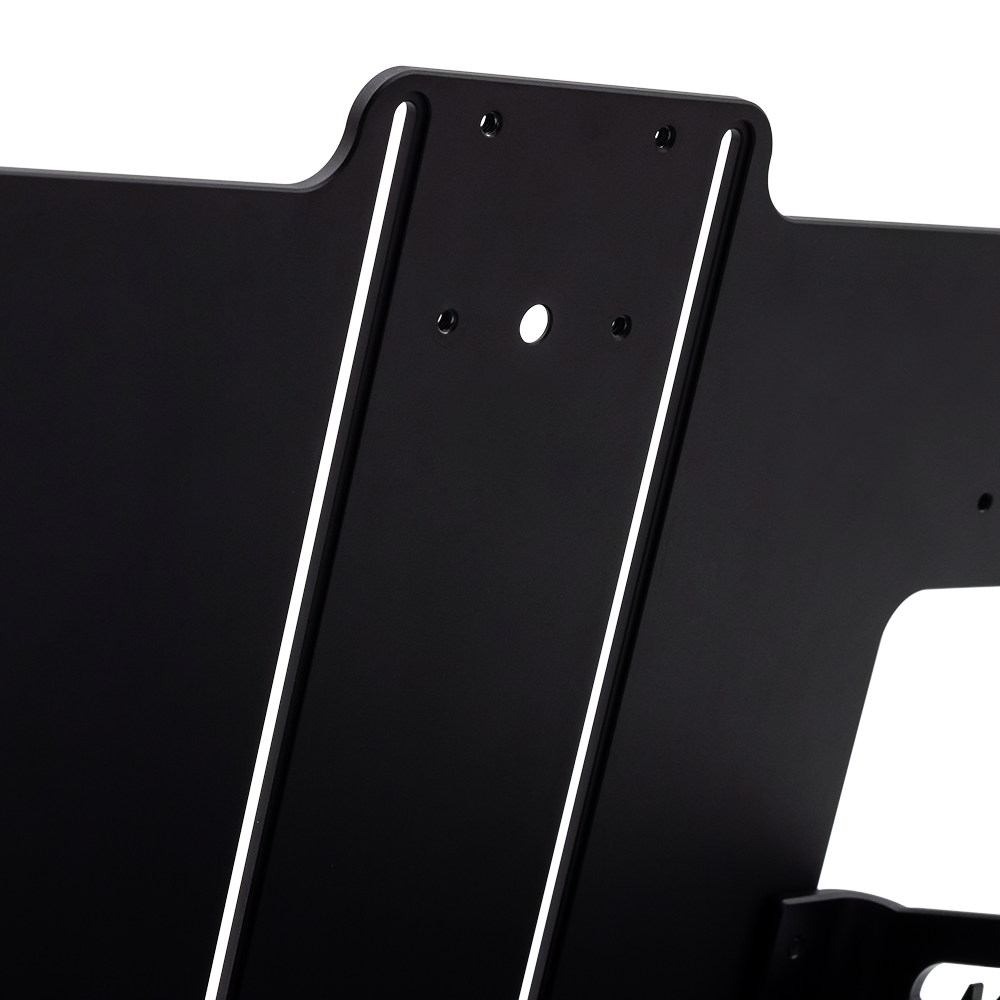
Your instruments in sight.
Adjust your horizon
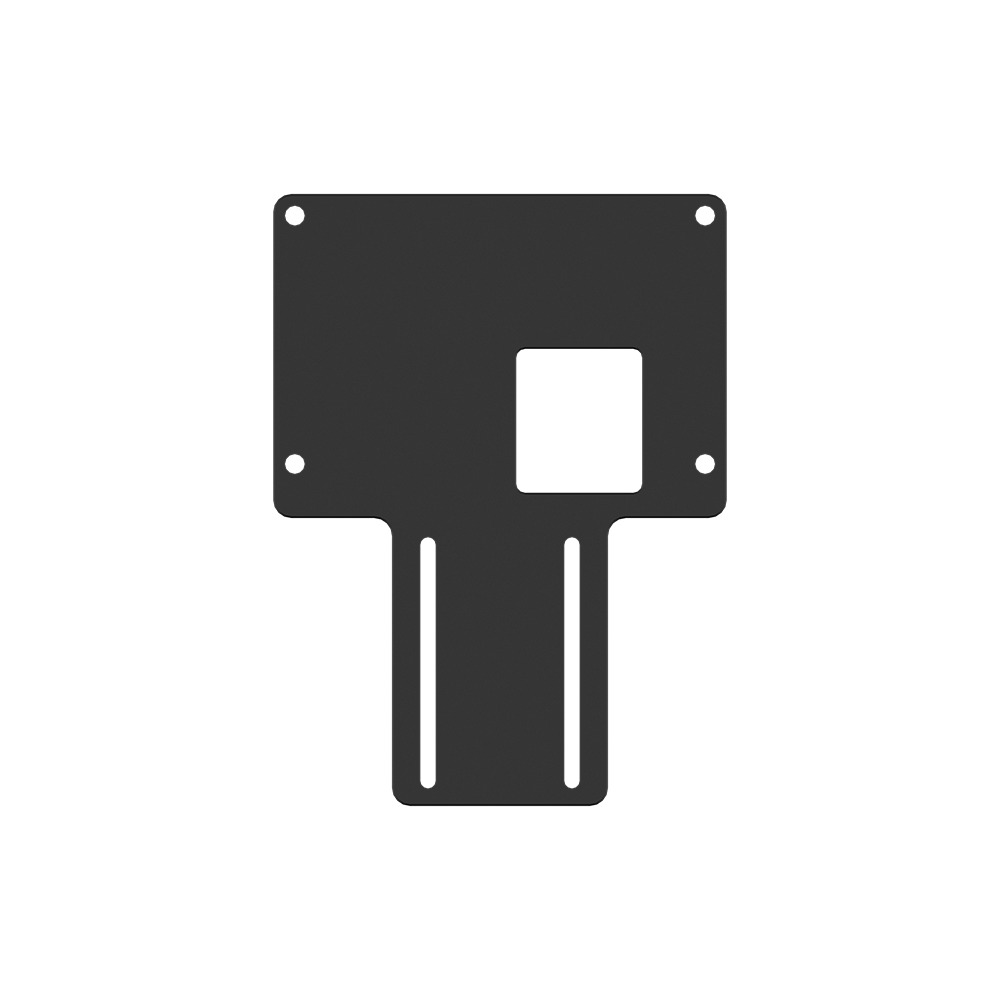
A Mini‑VESA mounting plate accepts a wide range of screens with 75 × 75 mm hole patterns – the MINI VESA standard used by many different makes and models of monitors. This means whether you’re running a slim 14‑inch touchscreen or a larger 15.6‑inch panel, the bracket adapts seamlessly. A built‑in height‑adjustment track allows you to slide your display up or down, aligning it perfectly with your eyeline. Set your altitude, lock it in, and enjoy ergonomic comfort for every flight. This versatility ensures that whatever screen you choose, the Touch Bracket keeps it secure, aligned, and ready for hours of stable performance – from short circuits to long‑haul sectors.
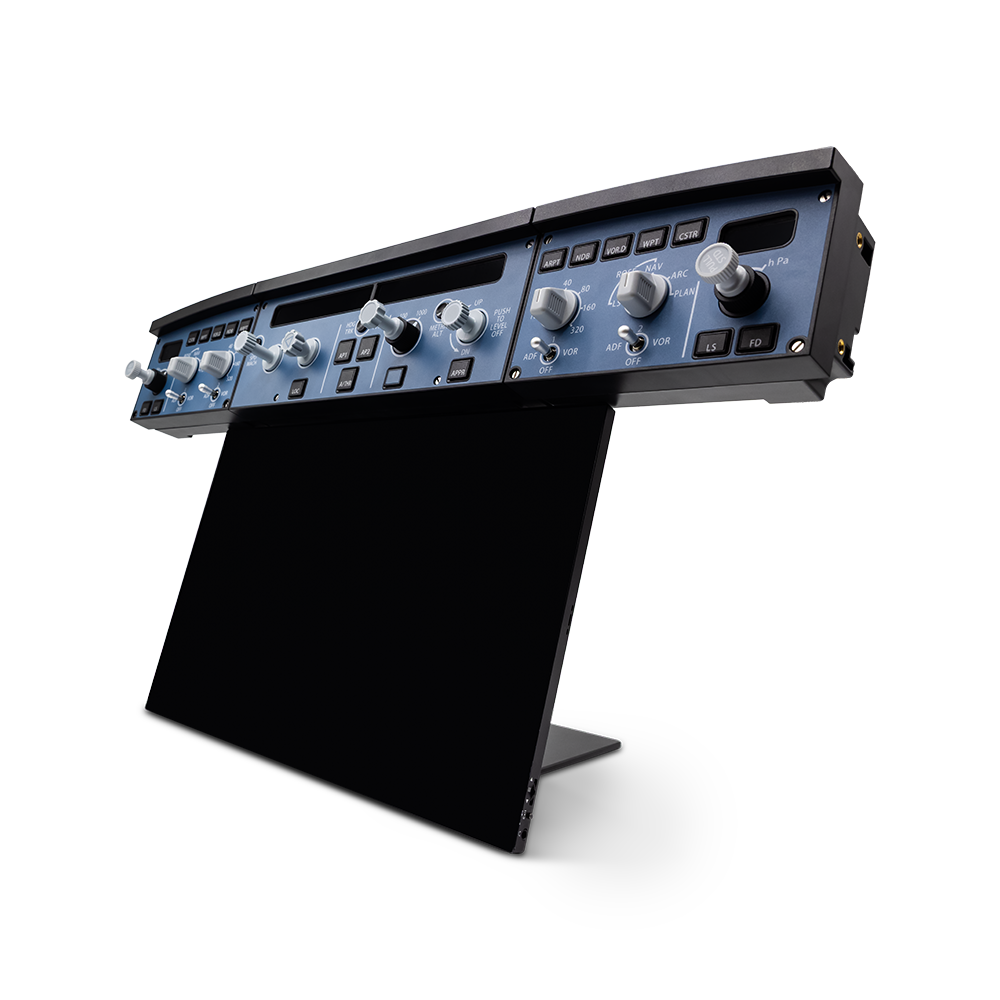
Captain’s choice for Airbus.
Command from the top
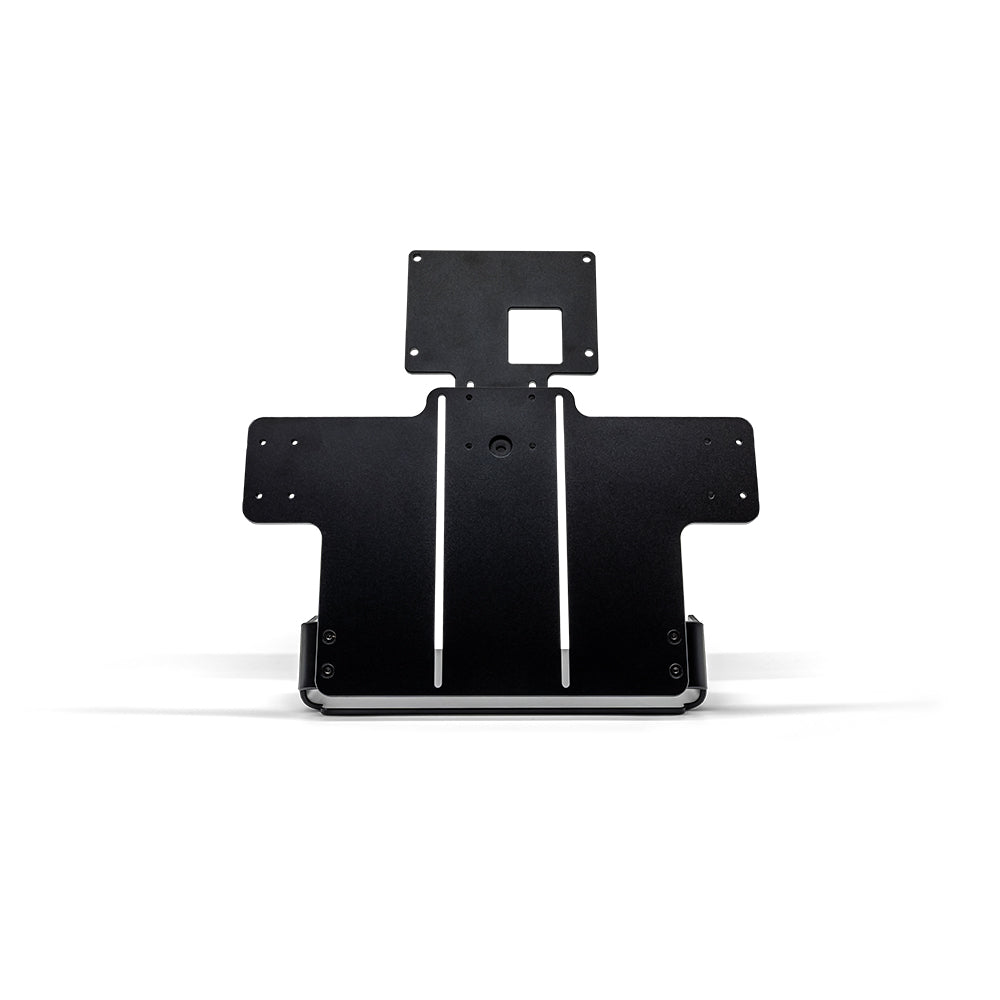
A removable adaptor plate on top accepts the WinWingSim FCU, positioning your flight‑control unit above the display. This versatility means you’re not only locked into a general aviation setup, but you're also able to immerse yourself in commercial aviation. It’s a seamless way to integrate professional‑grade avionics into your home cockpit without compromising desk space or visual clarity.
Double down on immersion.
Fly wide, fly immersed
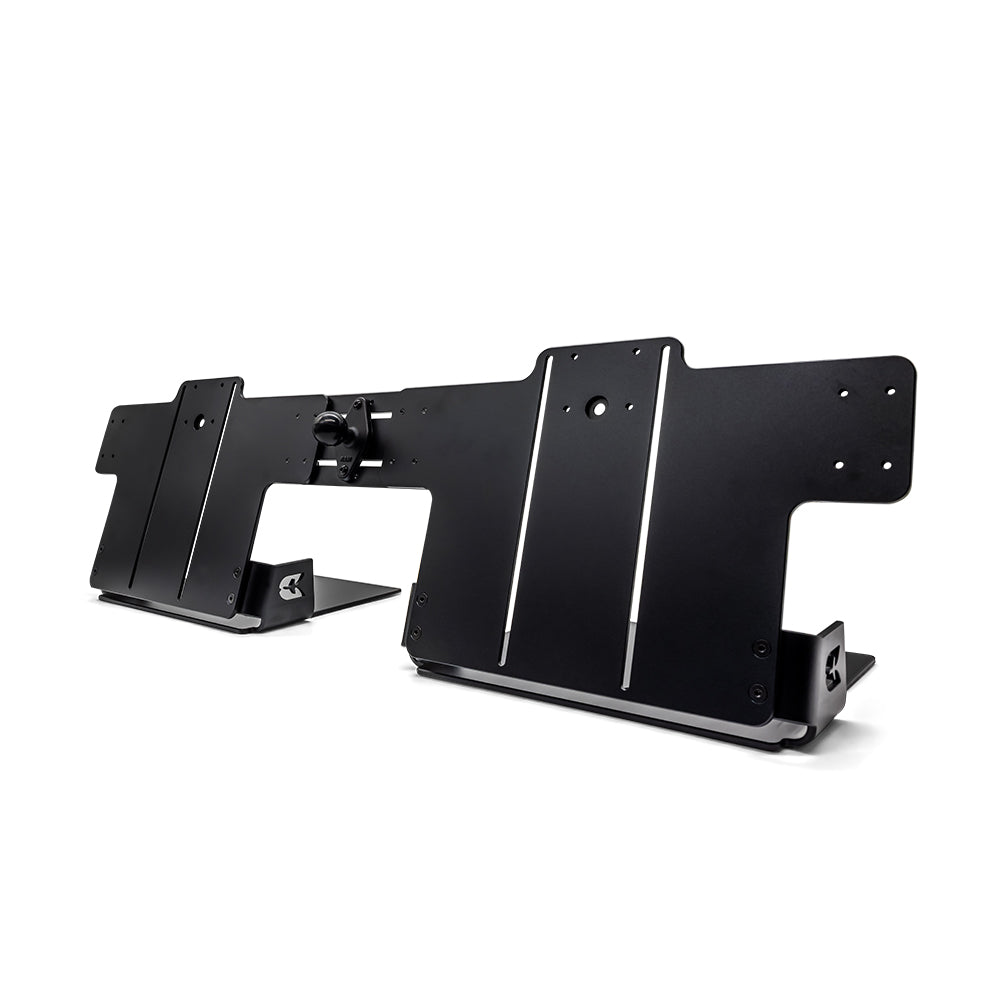
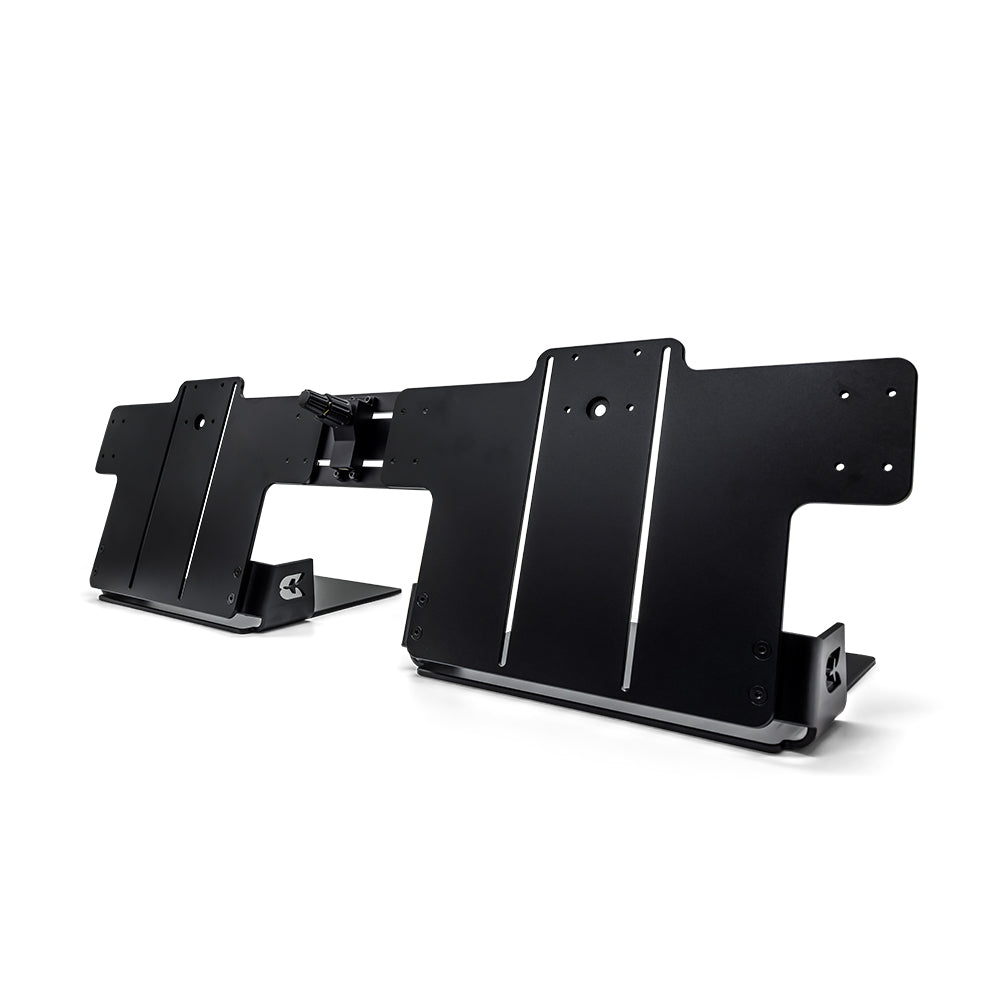
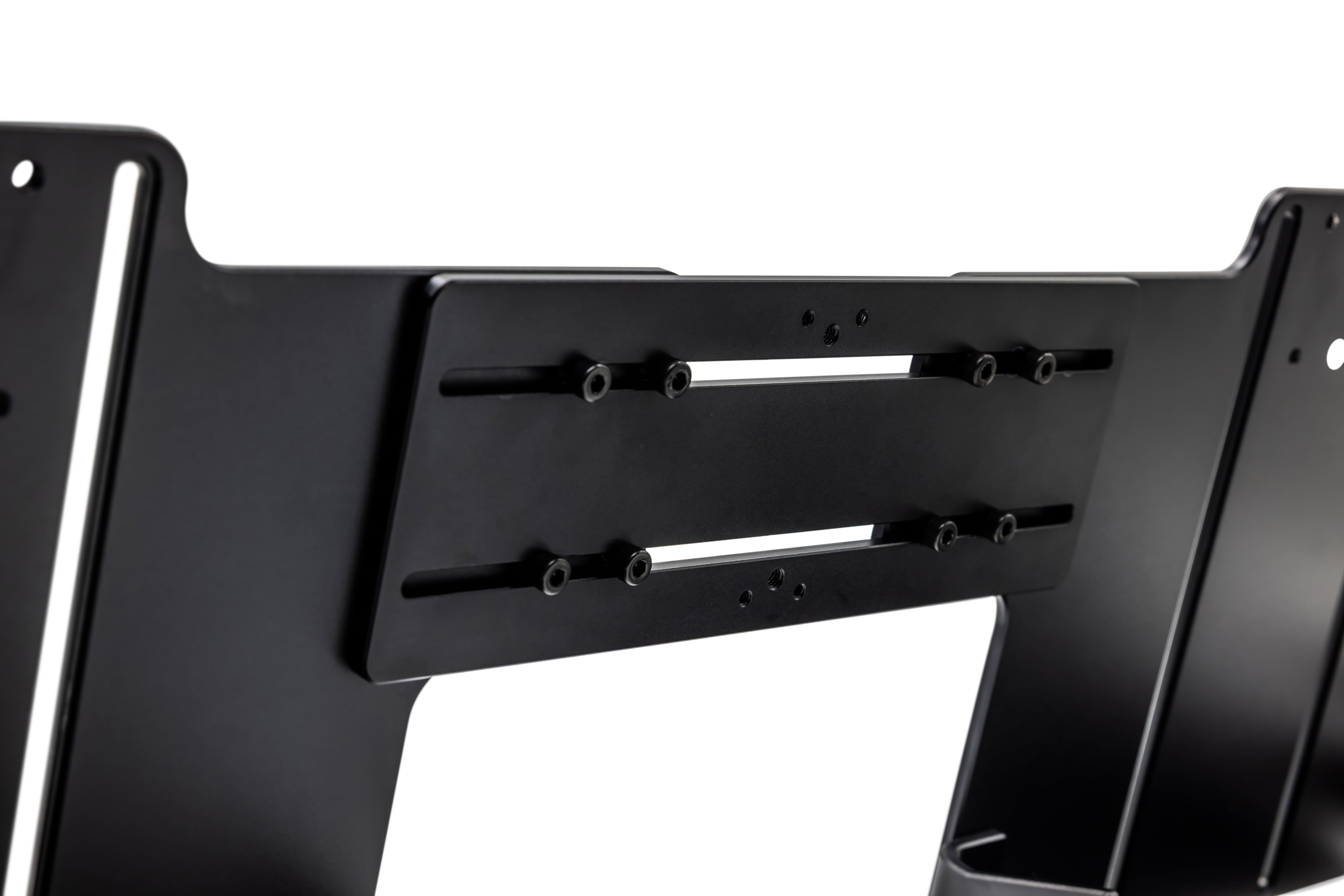
Pair two Touch Brackets for a panoramic cockpit layout. With a dual‑bracket setup, you can mount the complete WinWing FCU and EFIS panel across two displays, creating a wide‑angle cockpit experience. The CNC‑machined frames keep everything steady, even when you’re hand‑flying through crosswinds or shooting a tricky approach. And with the custom connector plate (sold separately), you can connect both Brackets and even Mount a RAM Mount or SimInnovations Knobster in between your brackets.
Soft to touch. Hard to move.
Designed to stay
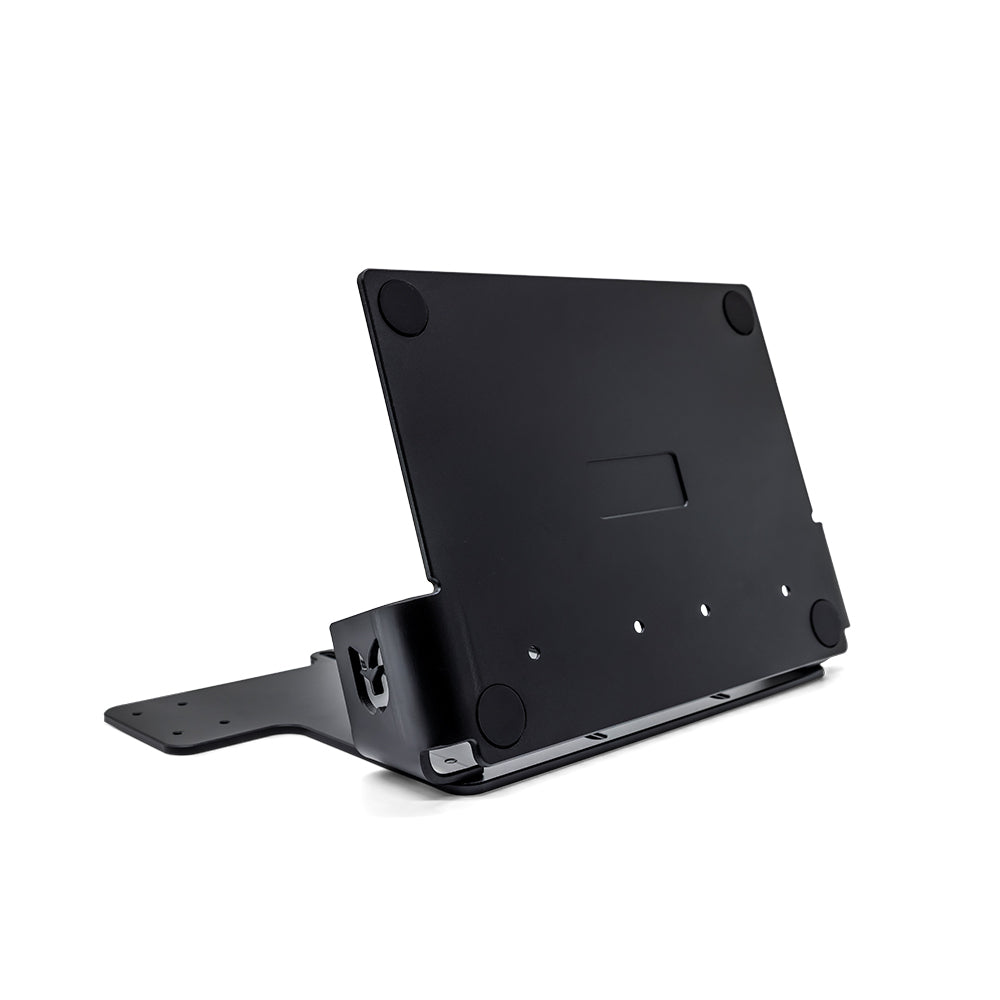
Four recessed custom-made anti-slip rubber pads sit flush to the base, anchoring your setup with confident grip while protecting your desk from scratches and scuffs.
When the mission calls for extra holding power, we included reusable sticky pads for a locked-in feel – residue free, easy to reposition, and refreshable with a light rinse.
Side-by-side Versatility
Choose your Co-Pilot
Refined side plates (sold separately) let you attach mission‑critical accessories to either side of the bracket. Mount a RAM® arm to hold your tablet, add the Octavi IFR‑1 for authentic instrument flying, or install the SimInnovations Knobster for tactile dial control. Everything sits flush, secure, and ready for takeoff. The system is designed to grow with you, letting you add or swap accessories as your cockpit evolves. Whether you’re flying with a tablet EFB or honing IFR procedures with precision hardware, the Touch Bracket ensures every tool has its place – just like in a real cockpit.
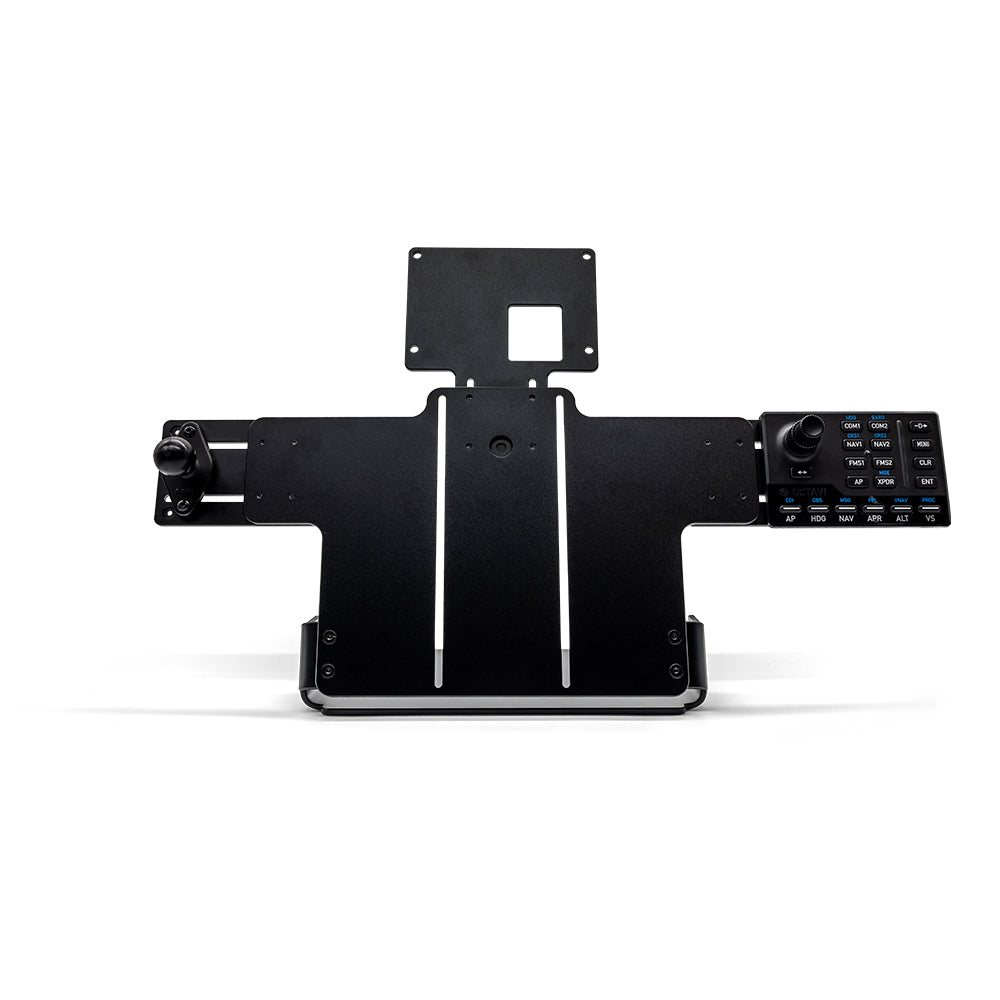
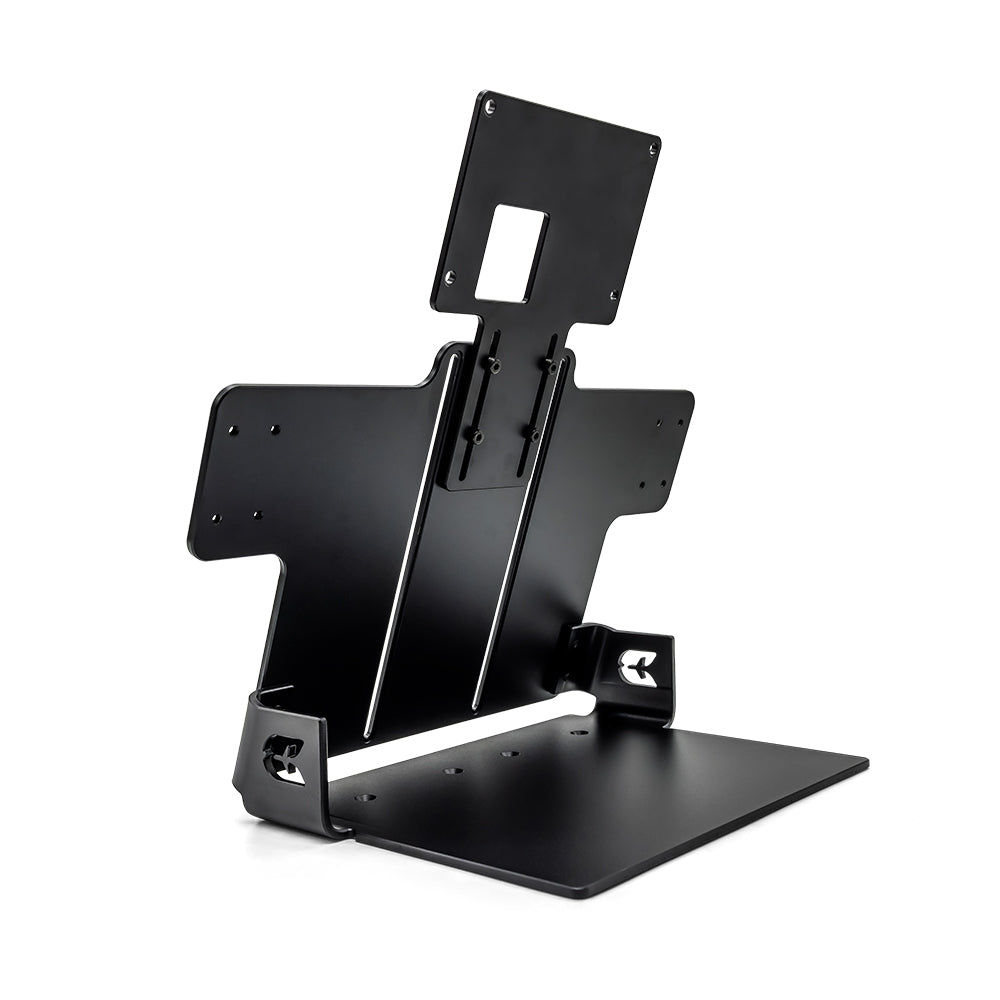
Explore the Add-On Plates


SimInnovations AirManager
Custom Flight Panels
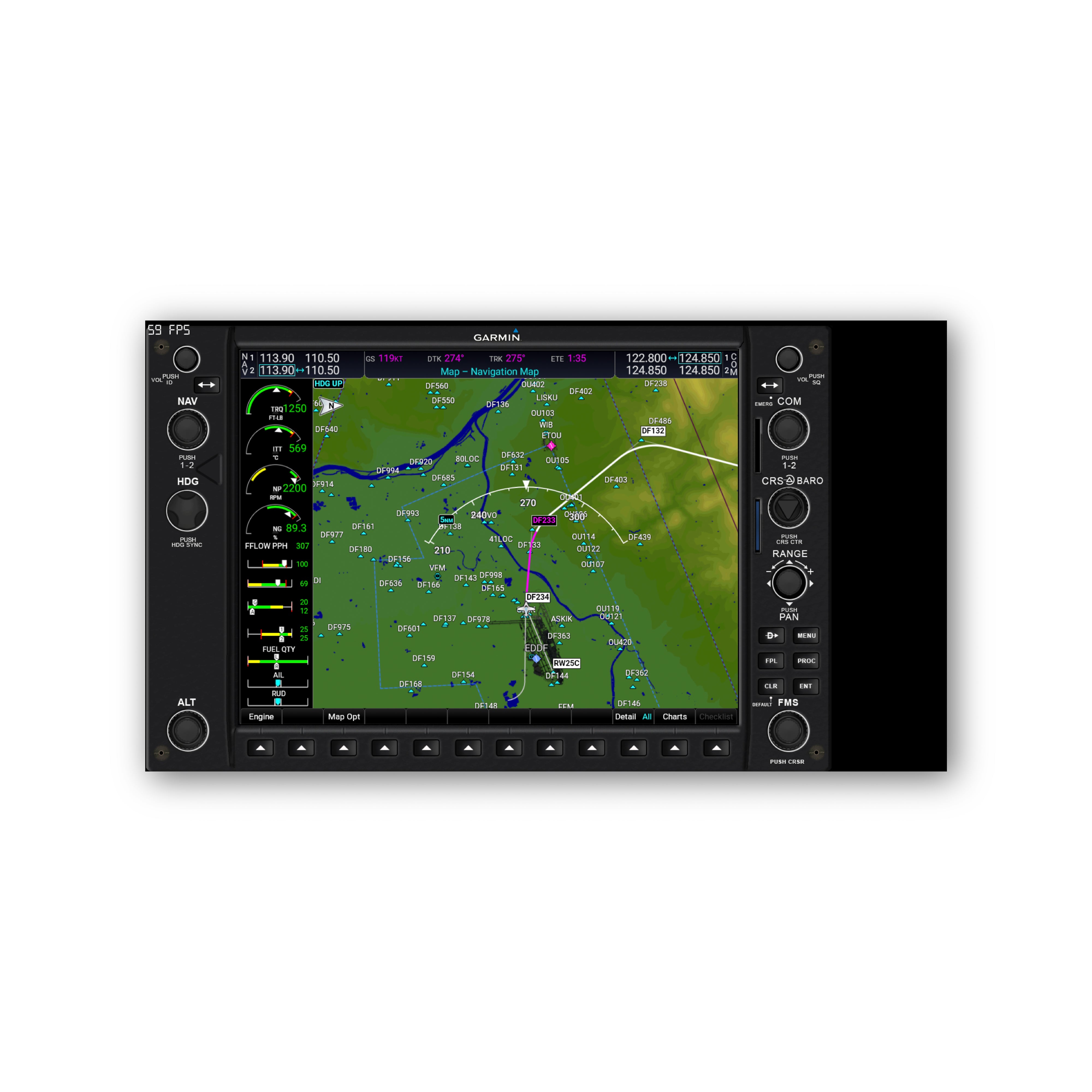
Design interactive instrument panels tailored to your specific training needs, fully operable via touch inputs. From classic steam gauges and the GNS530/430 to modern avionics like the GTN750/650, G3X, G1000, and beyond, AirManager allows you to configure custom panels for any aircraft type.
For commercial operations, AirManager supports the creation of advanced flight deck layouts, enabling seamless transitions between general aviation and airline training scenarios. Whether you’re managing navigation, fine-tuning systems, or practicing workflows, the intuitive touch functionality delivers a hands-on experience, enhancing immersion and precision in your home cockpit.
*Not included, sold separately
Product details
Compatibility
Standalone
The Tabletop Mount is designed to standalone on a flat surface and does not require anything to be mounted to.
Honeycomb: The version incl. Honeycomb Compatibility mounts on the Honeycomb Alpha and Bravo. Its baseplate has holes that match the mounting holes on top of both devices. The standard version is not compatible with Honeycomb products.
Important: The Standard Tabletop Mount is NOT compatible with the Honeycomb Products and does not feature a mounting option to the peripheral
Not included items
NOT included hardware
- Honeycomb Alpha Flight Controls
- Honeycomb Bravo Throttle Quadrant or Sierra TPM
- WinWing FCU/MCP and EFIS
- RAM Mount
- Tablet/iPad
- Touchscreen-Monitors
Add-On Plates available separately
Included in the Box

4x M4 Screws for Monitor
4x M4 Countersunk Screws for Frontplate

Quick Start Guide

4x Reusable Sticky-Pads
4x Anti-Slip Pads

FAQs
Please read our FAQs page to find out more.
Do I need a clamp or a yoke to use it?
No. The bracket stands on its own on four anti-slip pads. Four reusable sticky pads are included for extra hold.
Which touchscreens fit?
Any touchscreen with a 75 × 75 mm VESA pattern. We recommend 15.6 inch: large enough for a full instrument panel, compact enough for your desk.
Can I show G1000, GNS530 or a steam-gauge six-pack on the touchscreen?
Yes. Use panel software such as SimInnovations Air Manager, or show the aircraft's own displays from your simulator, either as pop-out panels or streamed with a tool like GlassOut. Typical panels: Cessna 172 and 150 six-pack, Beechcraft Bonanza and Baron, Garmin G1000, GNS530 and GNS430, GTN650 and GTN750, Airbus A320 PFD, ND and ECAM. The bracket holds the screen at the right angle, the software draws the instruments.
Which simulators does it work with?
The bracket works with any simulator. What appears on the screen depends on your software: Air Manager connects to MSFS 2020, MSFS 2024, X-Plane, Prepar3D and FSX.
Can I mount a WinCtrl (WinWing) A320 FCU?
Yes, with the Add-on Plate for WinCtrl FCU on top of the bracket.
Can I mount an Octavi IFR-1, a Knobster or a tablet?
Yes, on the Add-On Plate, left or right. A RAM® mount (not included) holds Apple and Android tablets as an EFB. The Knobster also fits on the Connector Plate between two brackets.
Can I mount a Tobii Eye Tracker 5?
Yes, it sits on top of the screen.
How do I connect two brackets?
With the Connector Plate. It joins both brackets into one flight deck and can also carry a RAM® mount or a Knobster in the middle.
Is it compatible with Honeycomb Alpha or Bravo?
Yes, with the version incl. Honeycomb Compatibility. Its baseplate has holes that match the mounting holes on top of the Honeycomb Alpha and Bravo. The standard version is not compatible with Honeycomb products.
What's in the box?
4× M4 screws for the monitor, 4× M4 countersunk screws for the front plate, 4× anti-slip pads, 4× reusable sticky pads and a Quick Start Guide. Touchscreen, add-on plates, RAM® mount and flight sim hardware are sold separately.
How do I put it together?
Where are you based?
We design, assemble and fulfill our products from our headquarters and warehouse in the heart of Germany.
Do you include tools for the assembly?
We generally do not include tools for screws that are most common to be found in basic toolsets at home (e.g. M3/M4 screws). However, we include tools for our products that require special tools (e.g. T5 Torx Keys for our IFR-1 Bracket).